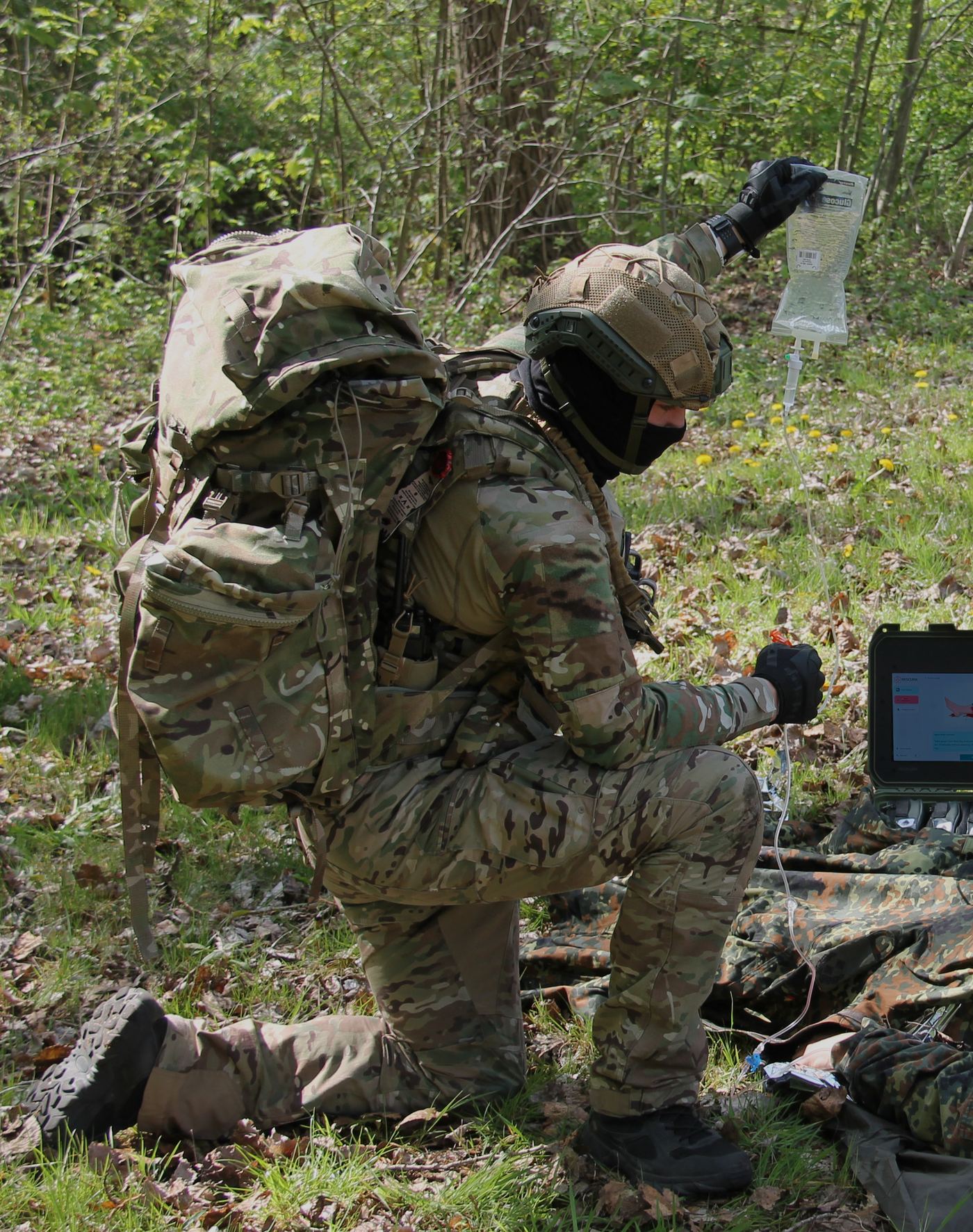
Military operators conducting prolonged field care

AEGIS R&D Programme · DEFRA 574854

The AEGIS
Workflow

Five operational steps that turn a standard medical kit into an autonomous, drone-delivered prolonged field care system. From the Point of Injury to extended treatment — in under eight minutes.

Built for LSCO.
Built for the
denied environment.

In Large-Scale Combat Operations, the medical chain breaks. Air superiority is contested; helicopters cannot fly. Ambulances cannot get close. The only road into a disaster area is destroyed or blocked. Drones saturate the airspace. Evacuation windows stretch from minutes to 24 hours or more.

From a medical perspective the math is unforgiving: lifesaving interventions delivered too late do not improve survival. Blood must be given within 30 minutes of catastrophic haemorrhage. ResCura Tactical — through the AEGIS workflow — bridges that gap autonomously. Each step is timed, documented, and reproducible across operator skill levels.

STEP 01 · T+00:00A

Casualty Event
at the Front

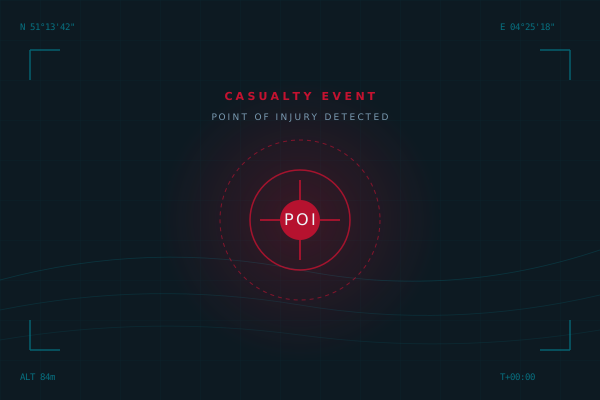
A casualty occurs. The injury is sustained on the forward edge of the operating environment — combat zone, contested industrial site, or remote disaster area. GPS coordinates are auto-captured. The clock starts.

Until now, the next 60 minutes would determine survival. AEGIS shrinks that pressure window to a documented, repeatable sequence.

Time
T+00:00
Phase
Trigger
Location
POI · Forward Edge
Tactical map showing Point of Injury location with pulsing alert indicator
STEP 01 · CASUALTY EVENT
STEP 02 · T+00:90sB

Point of Injury
Stabilisation

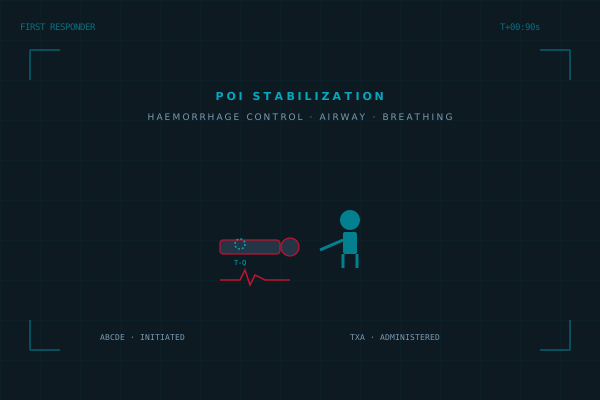
The first responder — buddy, combat medic, or trained operator — initiates immediate care at the Point of Injury. Haemorrhage control via tourniquet or wound packing. Airway management. Breathing assessment. The ABCDE sequence is begun.

In AEGIS configuration, the ResCura kit at the POI guides this phase: the screen activates on opening and walks even untrained personnel through correct intervention order.

Time
T+01:30
Protocol
TCCC · MARCH
Interventions
Tourniquet · TXA · Airway
Diagram showing first responder providing stabilisation care to casualty
STEP 02 · POI STABILIZATION
STEP 03 · T+02:30C

Casualty Report
& Telemed Handshake

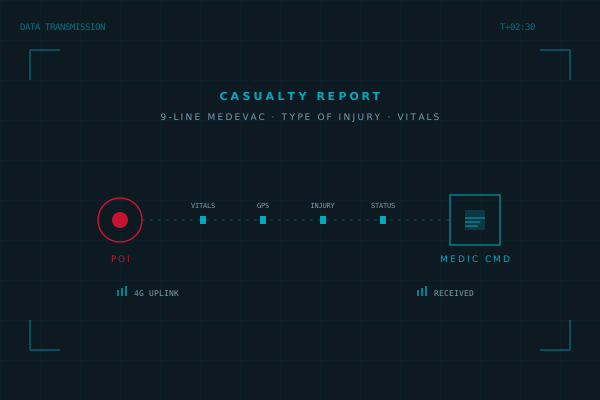
The first responder transmits a structured 9-line CASEVAC report to medical command: casualty status, GPS location, injury type, vitals, and interventions performed.

In Pro configurations the report is transmitted automatically via 4G/LTE-M while the responder continues care. When uplink is available, an optional live telemedicine handshake opens — the medic at command can see live vitals (HR, RR, BP, SpO2) and bidirectional video from the kit's integrated camera, ready to guide the aid provider step-by-step through the next interventions.

In development · AEGIS R&D Live telemedicine — bidirectional video supervision and real-time vitals streaming — is currently being developed under the AEGIS R&D programme. Offline guided protocols (the core capability) remain available regardless of telemedicine status, so the kit performs identically whether uplink is present or denied.
Time
T+02:30
Format
9-Line CASEVAC + Vitals Stream
Uplink
4G · LTE-M · LoRa fallback · EW-aware
Diagram showing data packets and live vitals transmitted from POI to Medical Command
STEP 03 · 9-LINE + TELEMED
STEP 04 · T+04:00D

ResCura Tactical · Field
Configuration

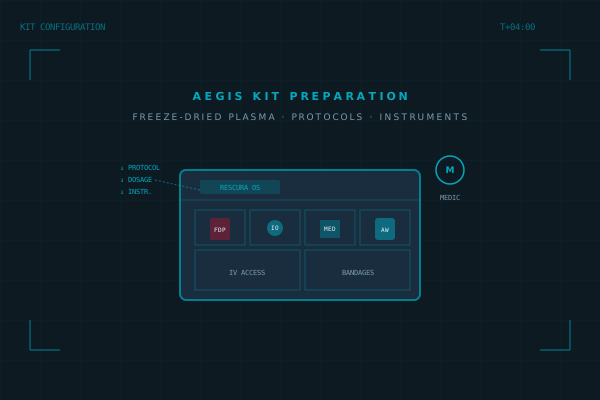
Based on the received casualty report — and, where uplink is available, on the live vitals already streaming back — the medic at command rapidly configures a ResCura Tactical · Field kit with the exact contents required for that specific patient. This may include freeze-dried plasma for haemorrhagic shock, FAST IO devices for vascular access, advanced airway equipment, or surgical packs.

Critically, the medic also uploads case-specific protocols to the kit's touchscreen — dosages, sequence, and post-intervention assessments — so that whoever opens the kit at the POI has step-by-step instructions tailored to this casualty. If telemedicine remains available after delivery, the medic can continue to supervise the aid provider live (in development under the AEGIS R&D programme).

Time
T+04:00
Configurable
FDP · FAST IO · Airway · Meds
Protocol Sync
OTA to kit · Telemed channel ready
Diagram of ResCura Tactical Field kit being configured with PFC supplies and uploaded protocols
STEP 04 · KIT CONFIGURATION
STEP 05 · T+08:00E

Autonomous Delivery
& Extended Care

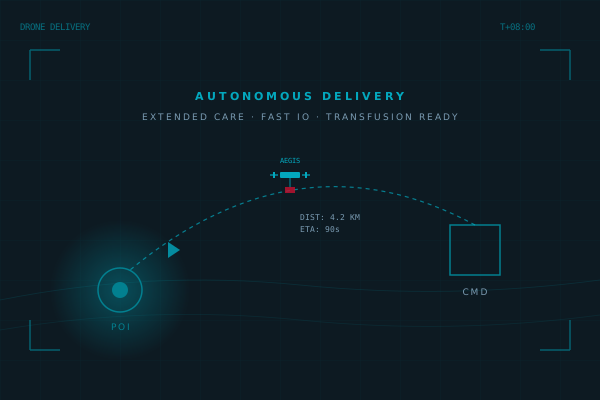
The configured ResCura Tactical · Field kit is loaded onto an autonomous delivery platform — typically a tactical drone with payload capacity of 2–4 kg and operational range up to 12 km. The kit is flown directly to the GPS coordinates of the POI, bypassing contested ground routes saturated by drones or denied to ambulances.

On arrival, the first responder opens the kit. The touchscreen activates with the medic's pre-loaded protocol. Extended care begins: intraosseous access via FAST IO, freeze-dried plasma transfusion within the 30-minute window, advanced airway, continued resuscitation. When uplink survives, the medic remains on the line via bidirectional video — guiding interventions live, watching vitals trend. The casualty is stabilised for MEDEVAC arrival, which may still be hours away.

Time
T+08:00 → T+24:00+
Range
12 km · 18 m/s · drone-portable
Outcome
PFC achieved · MEDEVAC-ready
Diagram of drone delivering ResCura Tactical Field kit to Point of Injury
STEP 05 · DRONE DELIVERY

At the Point
of Injury.

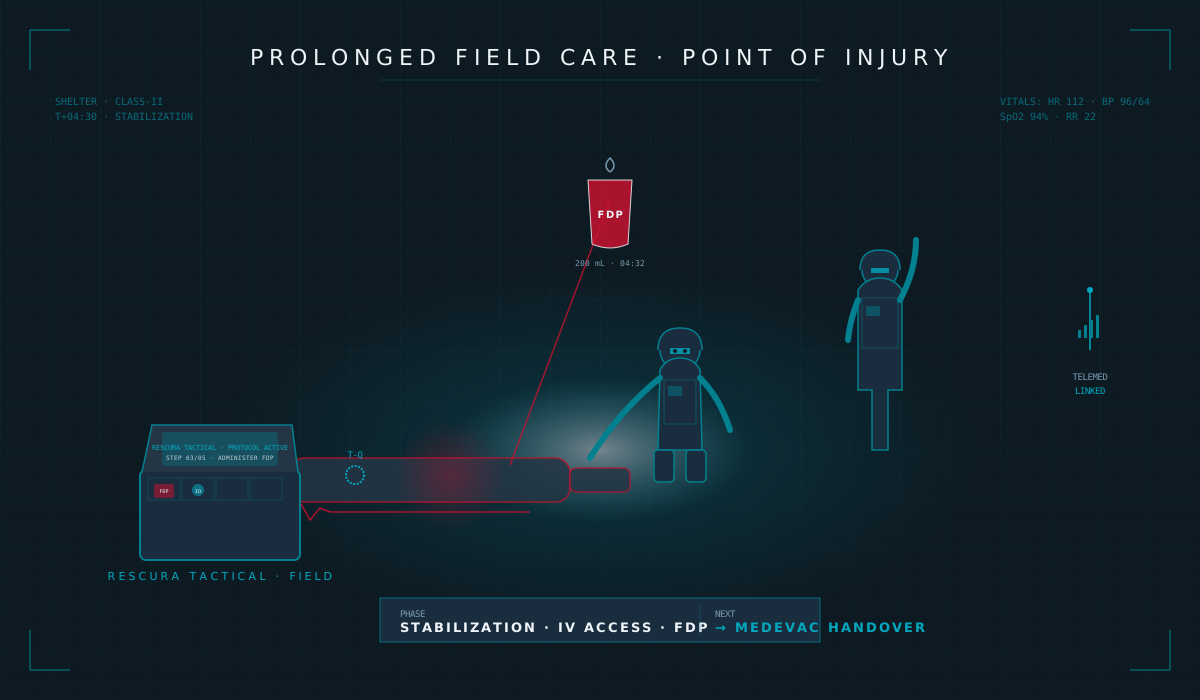
When the kit arrives, this is the operational reality: an aid provider with limited medical knowledge, performing interventions outside their normal training, under time pressure, possibly under fire. The kit's job is to make every step explicit, sequenced, and recoverable from interruption. The medic's job — if uplink survives — is to be present without being on-site.

Tactical illustration of prolonged field care at the Point of Injury — operators administering FDP and managing IV access while telemedicine remains linked
POI · STABILIZATION · TELEMED LINKED
All Five Steps · One Diagram

See the
Full Operational Flow

Explore the AEGIS workflow as a single tactical infograph — timeline, distances, coordinates and signal flow in one view.